The hidden cost of scattered AI context
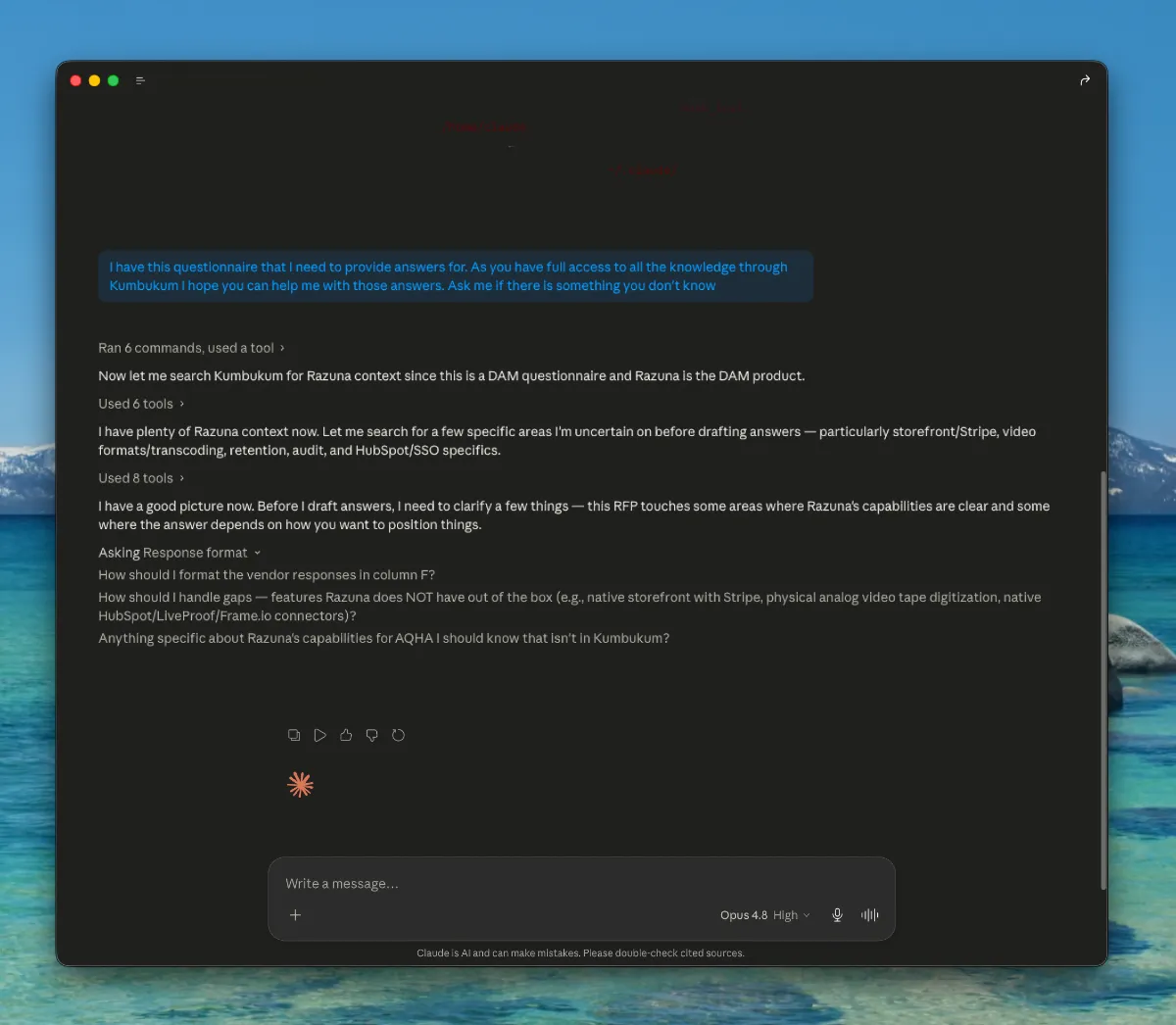
The Problem: AI forgets. Teams repeat themselves. Knowledge gets lost in chat, docs, and tabs. Every new session starts from zero — your AI has no idea what you decided yesterday, what your preferences are, or what your team already knows.
The Impact: Teams waste hours re-explaining context. Answers are generic instead of tailored. Decisions get re-litigated because nobody remembers the reasoning. The more AI tools you use, the worse the fragmentation gets.
How Kumbukum Solves This: Kumbukum gives your team a visible, controllable memory system. Store notes, decisions, preferences, and context once — every AI tool retrieves it automatically. No black boxes. You can inspect, edit, and organize everything your AI remembers.
What changes
Before: I use three AI tools. None of them share context.
After: One shared memory. Claude, Cursor, and ChatGPT all start with the same context.
Before: I keep repeating my preferences in every new chat.
After: Preferences are stored once and reused automatically across sessions.
Before: We made this decision last week, but nobody remembers why.
After: Decisions stay linked to notes and sources, so your team can see the full reasoning instantly.
Less re-explaining. Better answers. Faster decisions — and 86% fewer tokens spent on retrieval payloads.
Measured impact on AI tool payloads
Kumbukum exposes 44 MCP tools across 5 storage primitives — notes, memories, URLs, Git repositories, and emails. We benchmarked the 3 retrieval tools (search_knowledge, recall_memory, search_notes) against the unslimmed baseline. Combined retrieval payload dropped from 14,272 tokens to 1,964 tokens — a 86.2% reduction, or 12,308 tokens saved per call.
- search_knowledge: 7,804 → 1,313 tokens (−83%)
- recall_memory: 2,394 → 325 tokens (−86%)
- search_notes: 4,074 → 326 tokens (−92%)
Latency overhead stayed inside noise — combined 300ms → 321ms across all three calls (21ms total). Characters dropped from 57,086 to 7,853, a 49,233-char reduction.
Source: Kumbukum internal benchmark, May 2026.